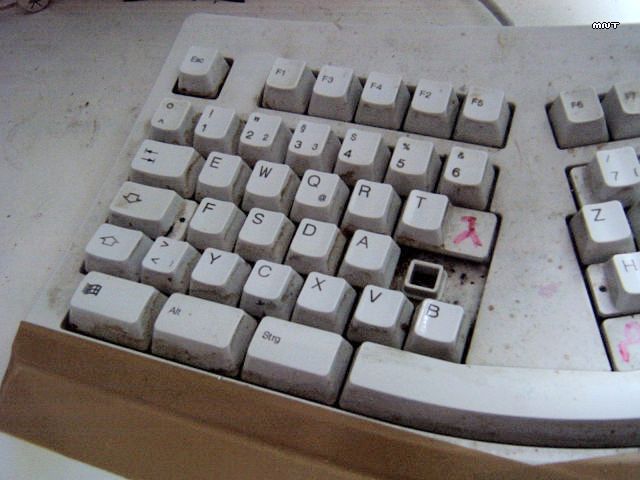
After 8 years of flawless operation my keyboard needed a cleanup. Why
i did not simply buy a new keyboard? Because good ergonomic keyboards are
hard to get, and microsoft, logitech and so on are crap (i tried them all).

After i opened the casing it came to me how URGENTLY it needed to be cleaned.
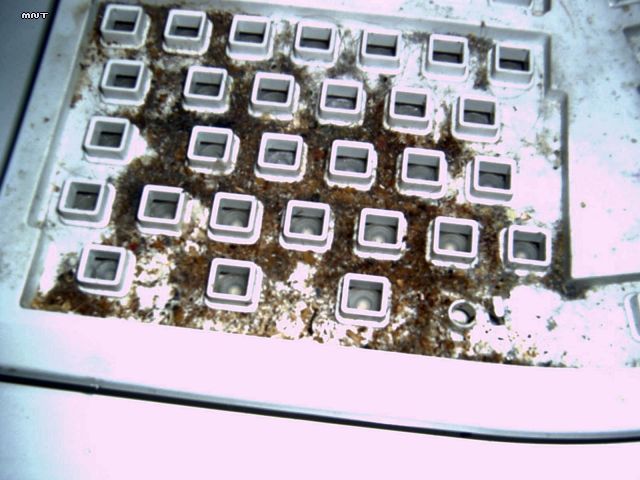
Remove everything.
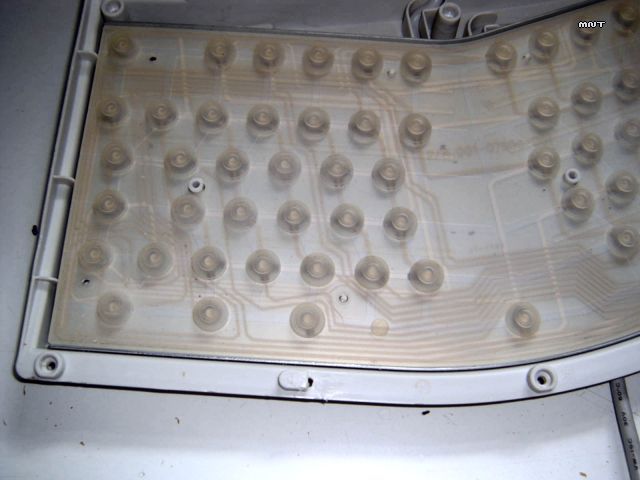
Im a non-smoker, i dont know why its so yellowish.
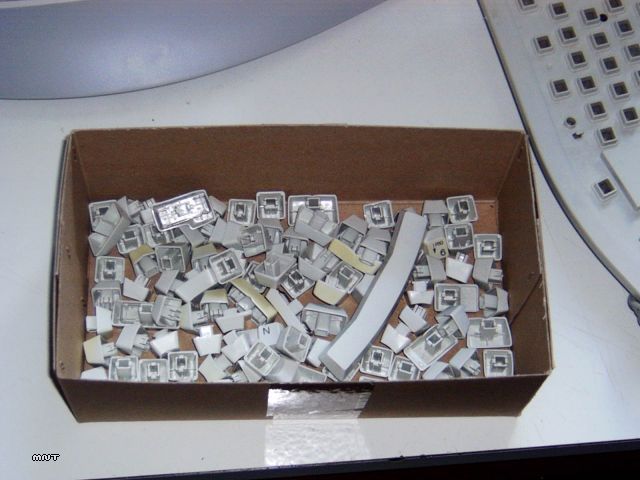
First decontaminate the upperside.
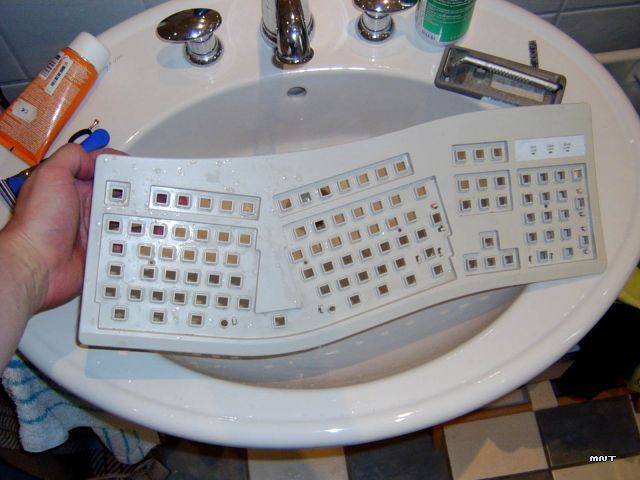
Now for each key.
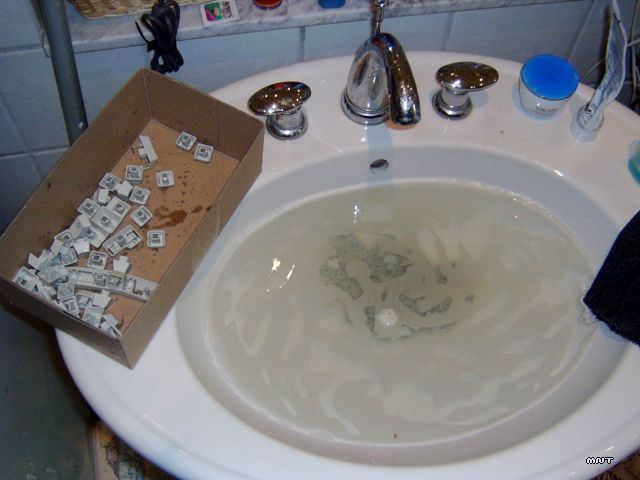
After cleanup and drying... looks good.
This leaves a puzzle that took me 15 minutes to solve.
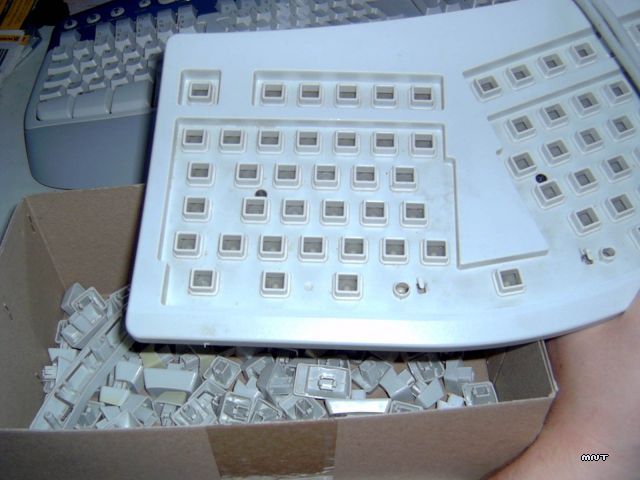
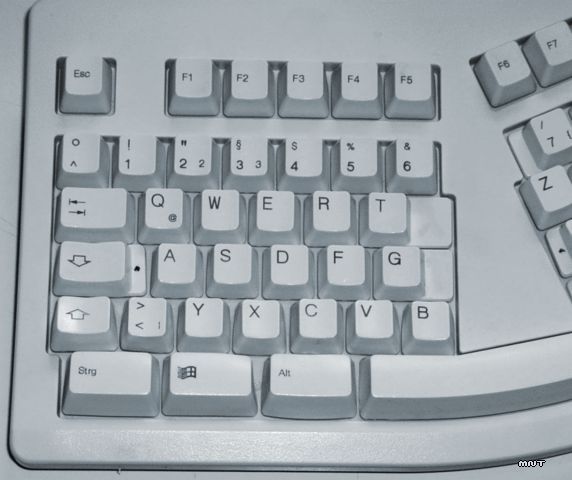
And there it is. Rise and shine!
My other projects
Comments
[ K Gordon | 16.07.05 12:00 ]That is the dirtyist keyboard I have ever seen
[ The Cat Whisperer | 22.07.05 22:24 ]Thought you might like to see more hardware scrubbing during a little project I did.
[ simon | 28.07.05 21:11 ]what's up with the keyboard layout in the first pic?
[ Patrik | 28.07.05 22:05 ]these economic keybords are much better than mine on the acer travelmate
[ w00t | 05.03.06 22:16 ]omfg. omfg! OMFG!
[ iTurd | 18.12.06 23:40 ]oh my god. Looks like you are hiding biological weapons of mass destruction in your keyboard.
[ Ya ya | 09.01.07 03:43 ]Y is in Zs spot in the picture hope u know :D anyway nice i need to clean mine
[ mnt | the codeninja, 14.02.07 10:46 ]Ya ya: I swapped all keys randomly (i can type without looking)
[ CharEileen | 27.11.07 09:39 ]How do you remove the top of the keyboard? Mine is grungy and needs serious help
[ mnt | the codeninja, 28.11.07 12:05 ]Depends on your keyboard-model. Normally you just remove all screws on the back.
[ Olivier | 23.01.10 22:00 ]
Ya ya : depends where codeninja is from but Y and Z keys are maybe in the right place :)
Add comment